


Less doomscrolling.
More Scripture.

Make Bible reading
a daily habit.
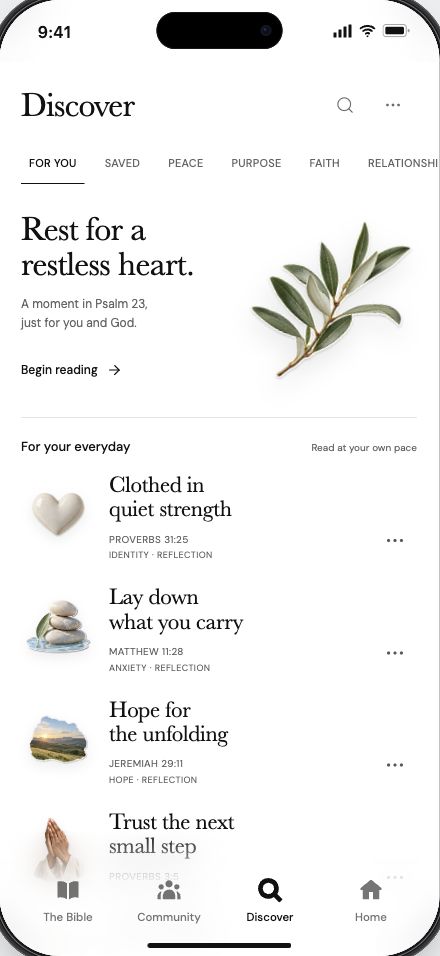
Explore the app, from finding a passage to picking up where you left off.
Swipe left or right to explore more features.
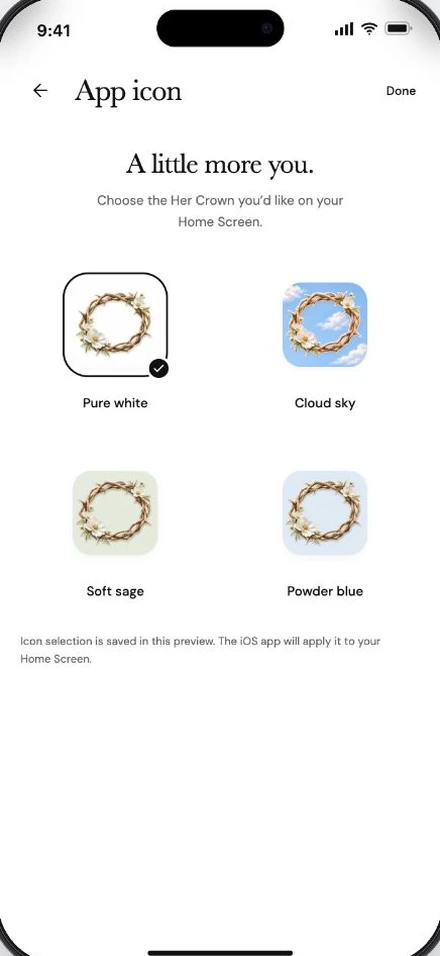
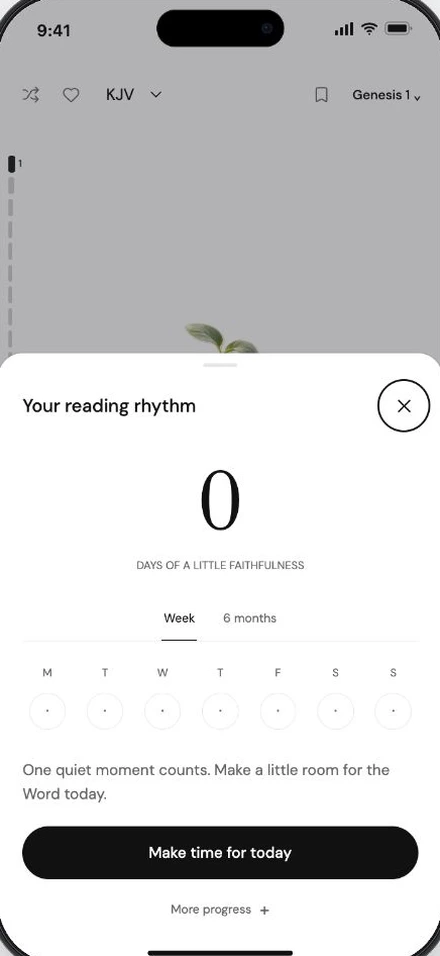
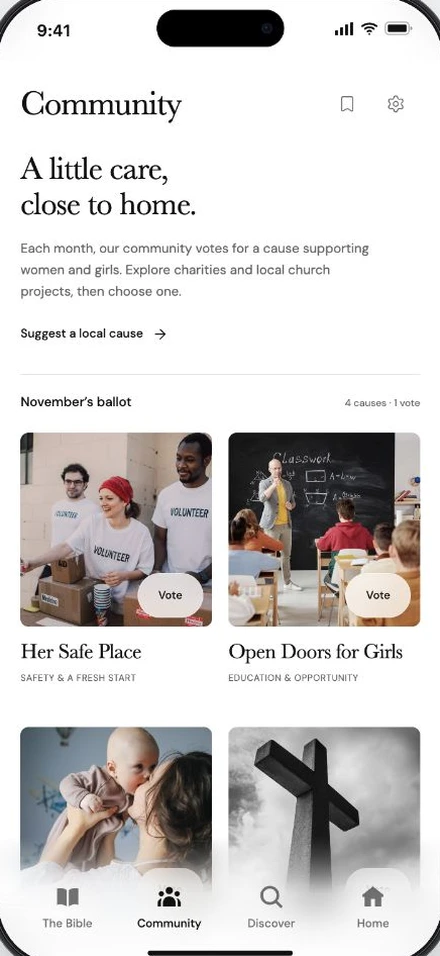
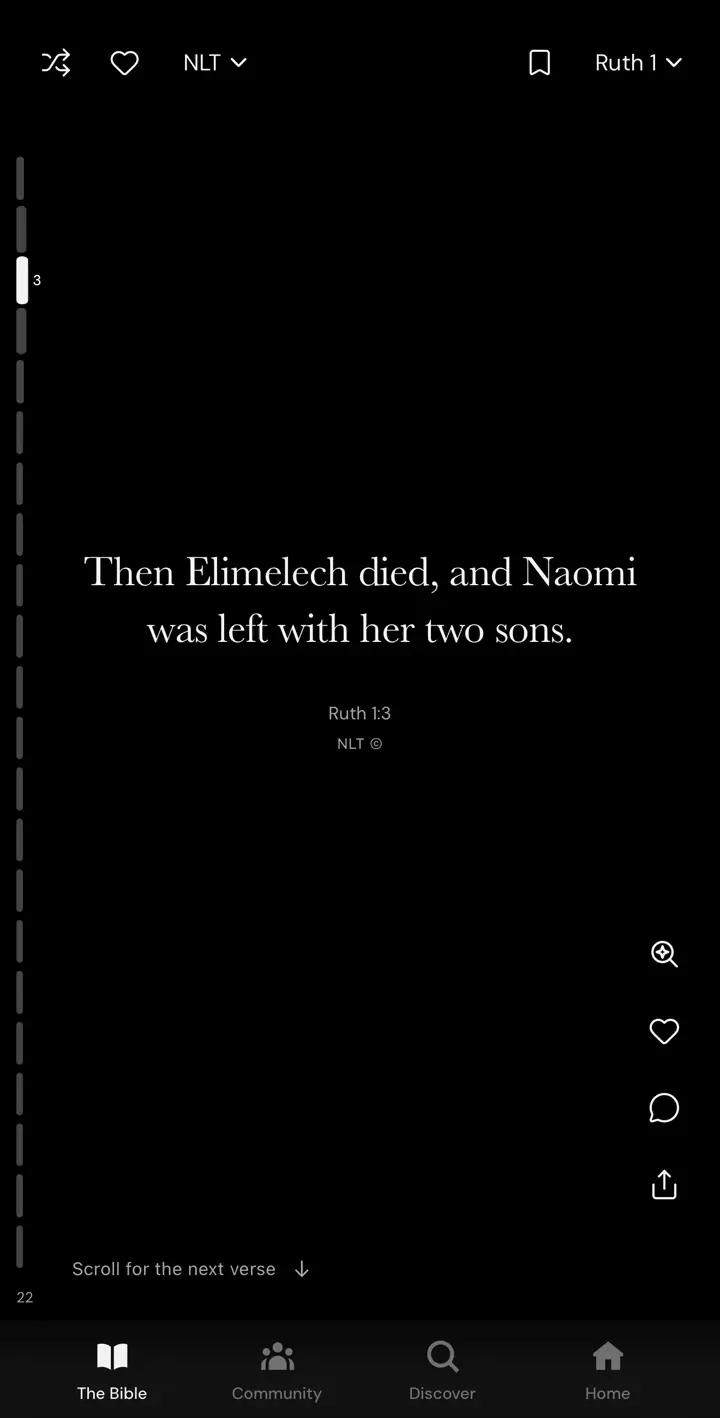
If you can scroll social media, you can scroll your Bible.
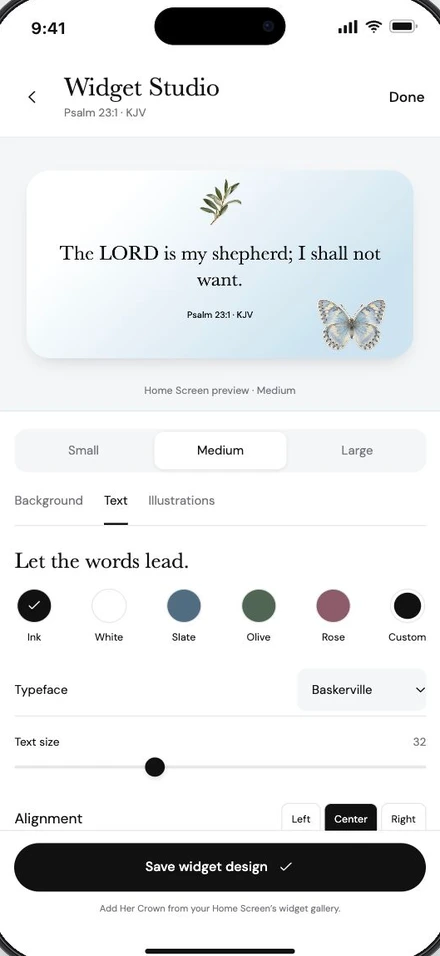
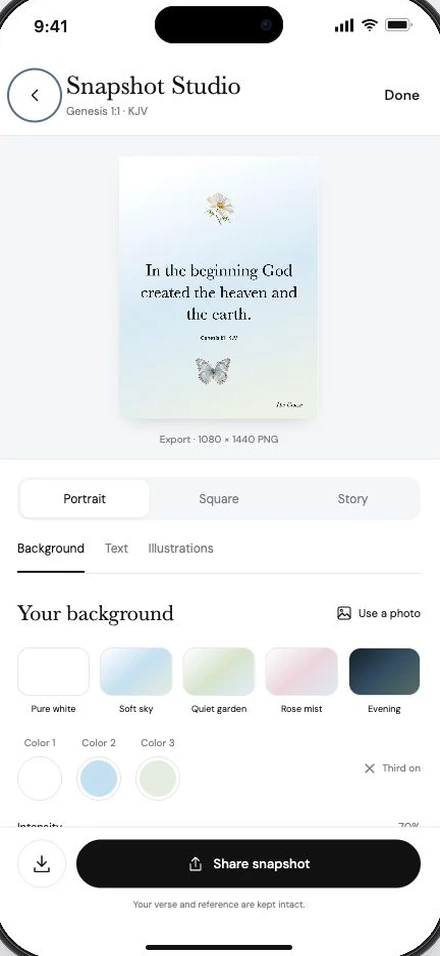
Read through Scripture one verse at a time, then turn a verse you love into a card in Snapshot Studio.


Put Jesus before social media.
Read the Bible the next time you open your phone.
Frequently
asked questions.
What is Her Crown?
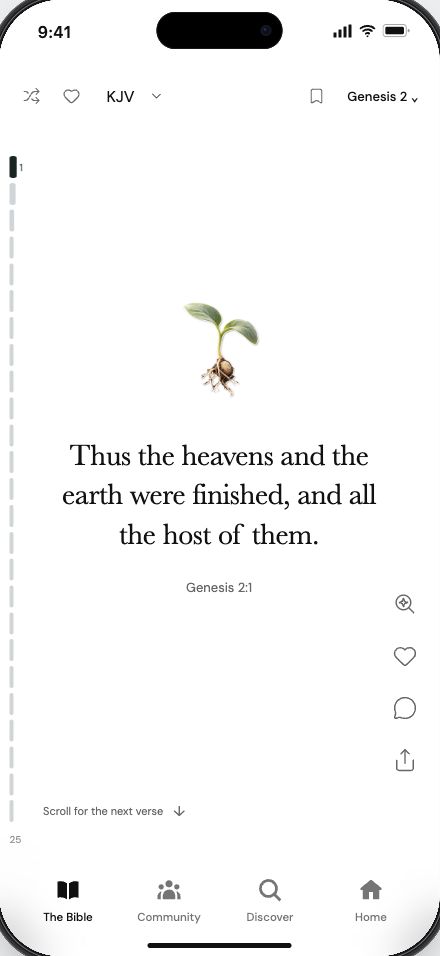
Her Crown is an iPhone Bible app for women. It displays Scripture in a scrollable reader so you can read the Bible instead of spending that time on social media.
How does the Bible reader work?
Each screen shows one verse. Scroll up or down to move through the chapter. Use the chapter selector to choose another book or chapter.
Can I save verses and write notes?
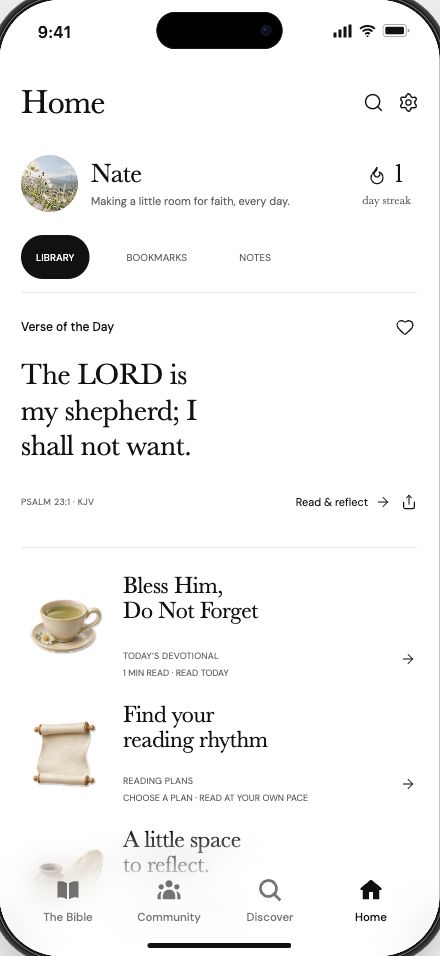
Yes. Save verses or add notes while you read. You can find both in your Home library.
Do I need to know the Bible to use it?
No. You can open a chapter and read one verse at a time. You choose where to start and how much to read.
Is Her Crown available to download?
Her Crown is available on the App Store. See the listing for compatibility and current availability.
Will there be a subscription?
The app will display subscription prices, trial terms, and renewal details before you choose a plan.